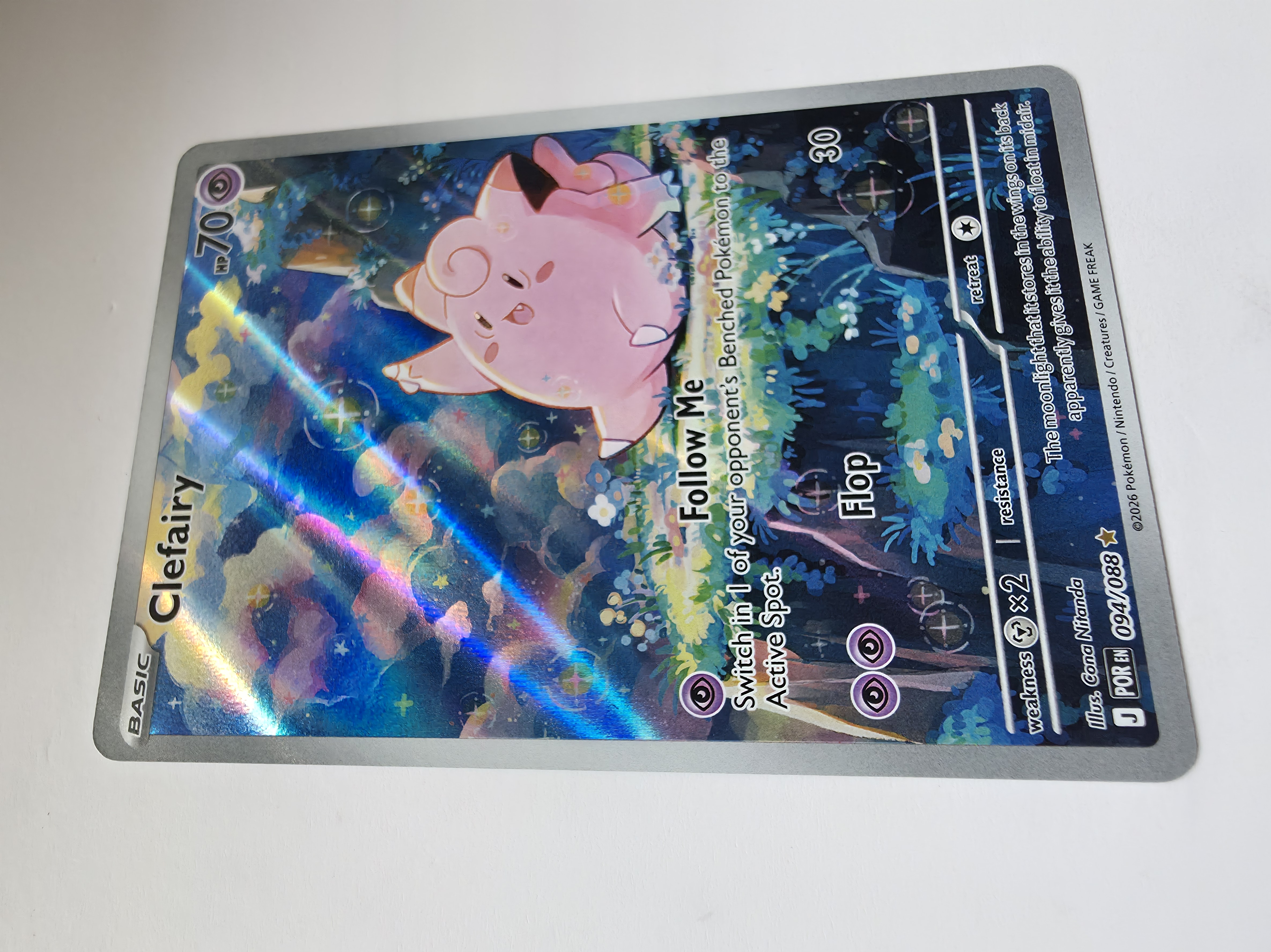
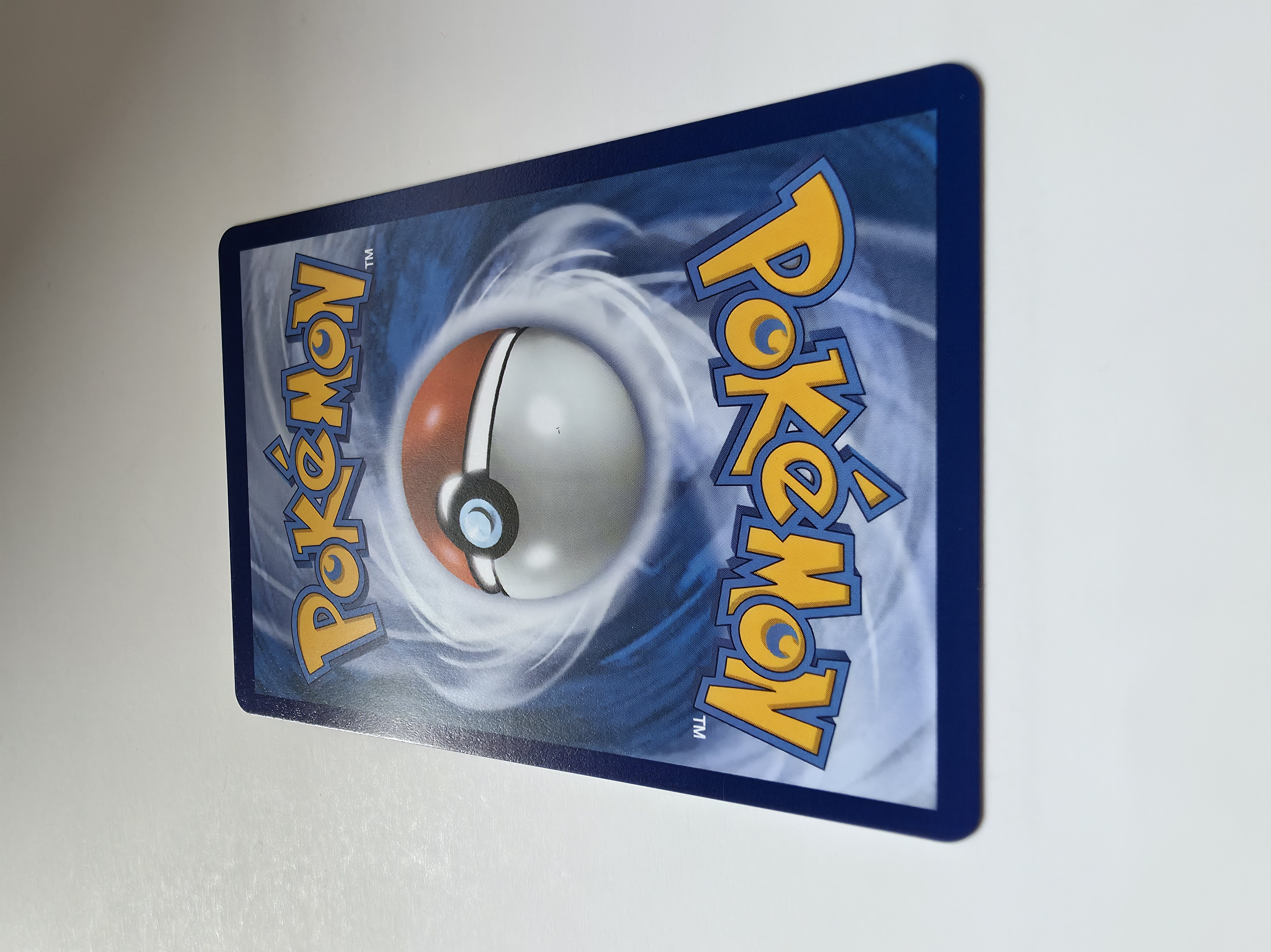
1. Remove protection
Take the card out of sleeves, penny sleeves, semi-rigids and toploaders. Plastic can add glare and hide edge or surface detail.
The service can only assess what is visible in the images you provide. Follow this setup before uploading.
Take the card out of sleeves, penny sleeves, semi-rigids and toploaders. Plastic can add glare and hide edge or surface detail.
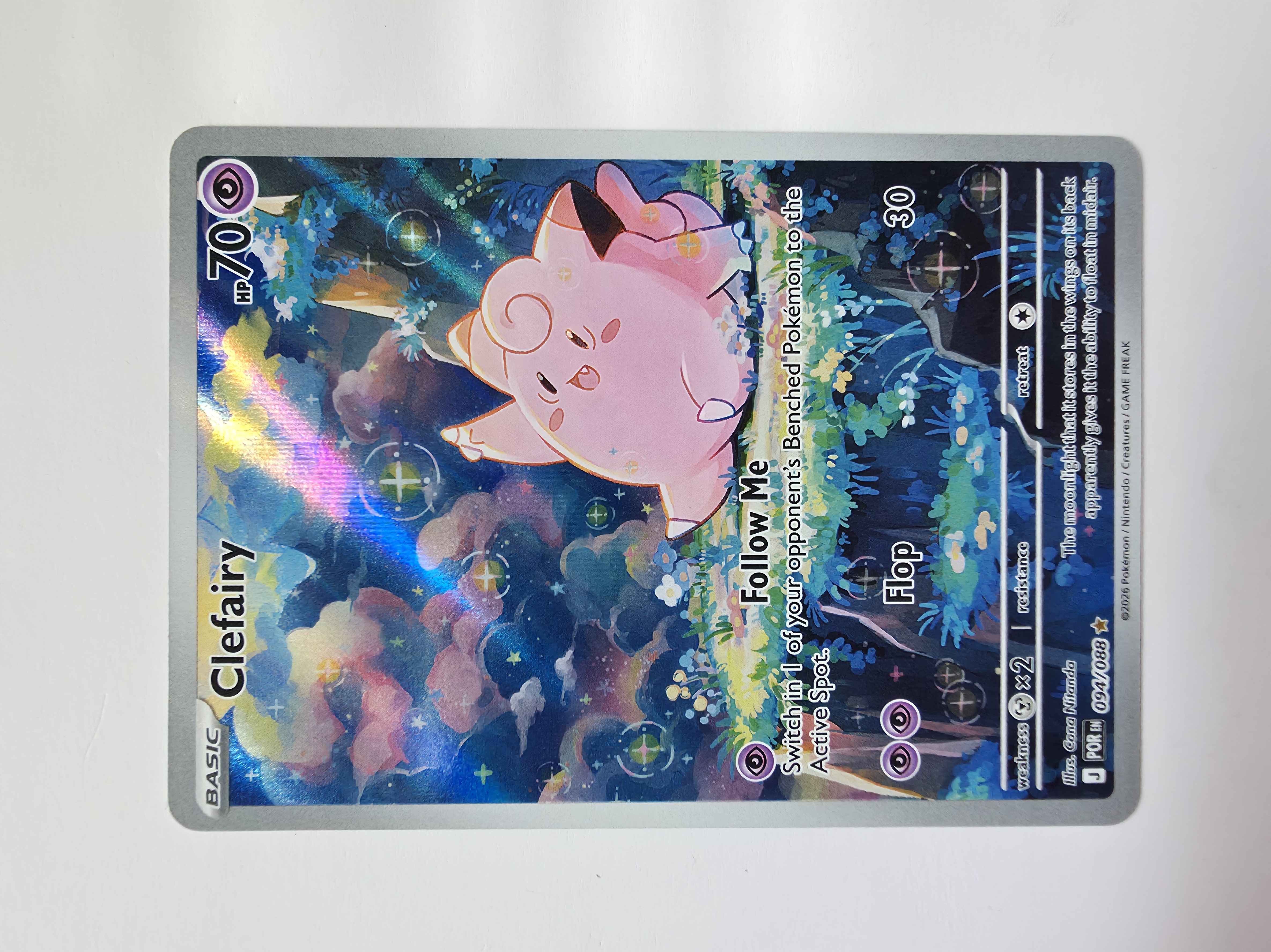
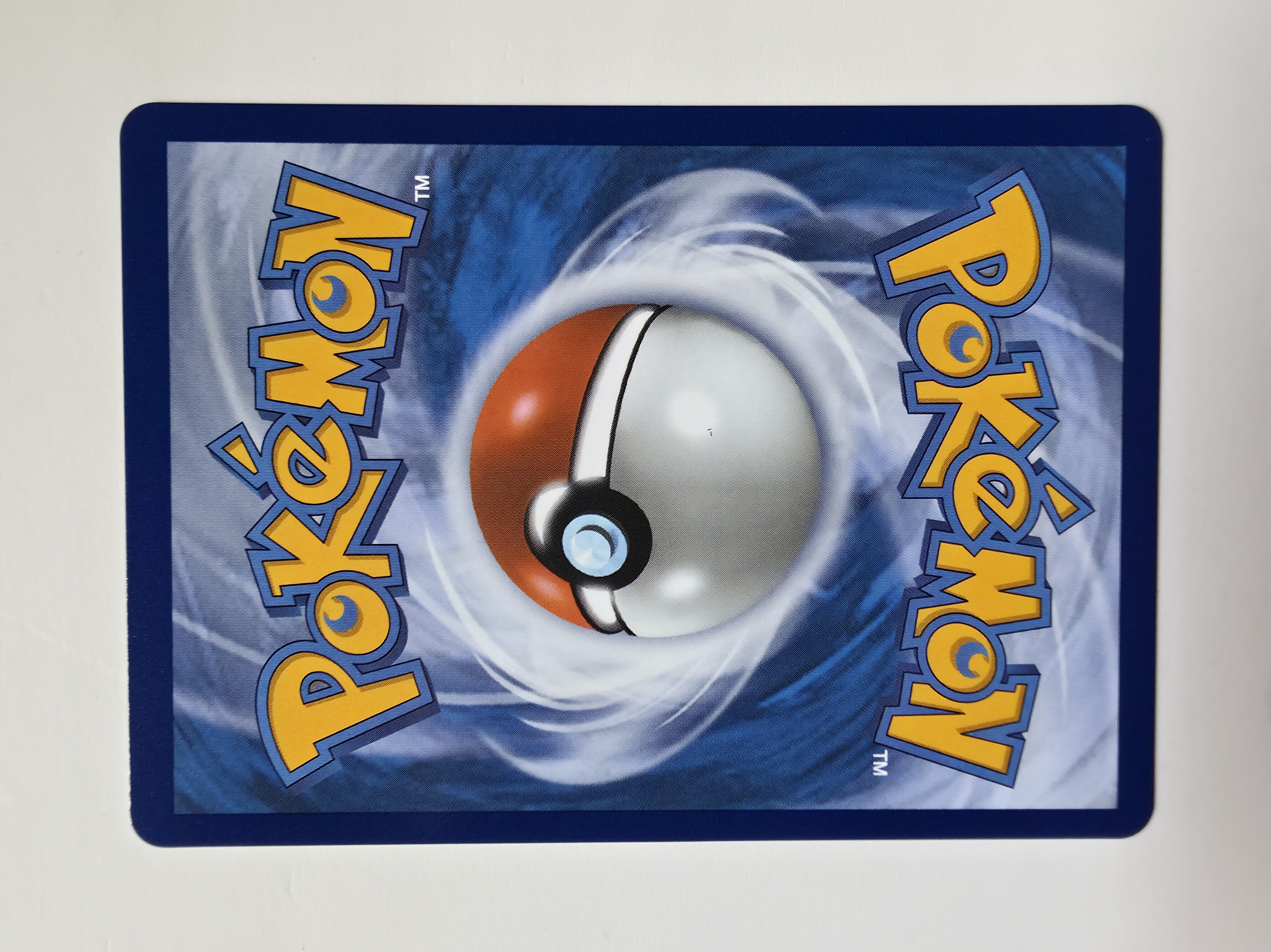
Place the card flat on a clean matte white surface. Avoid textured, reflective or coloured backgrounds.
Keep the lens square to the card. Avoid tilted perspective because it can distort centering and border measurements.
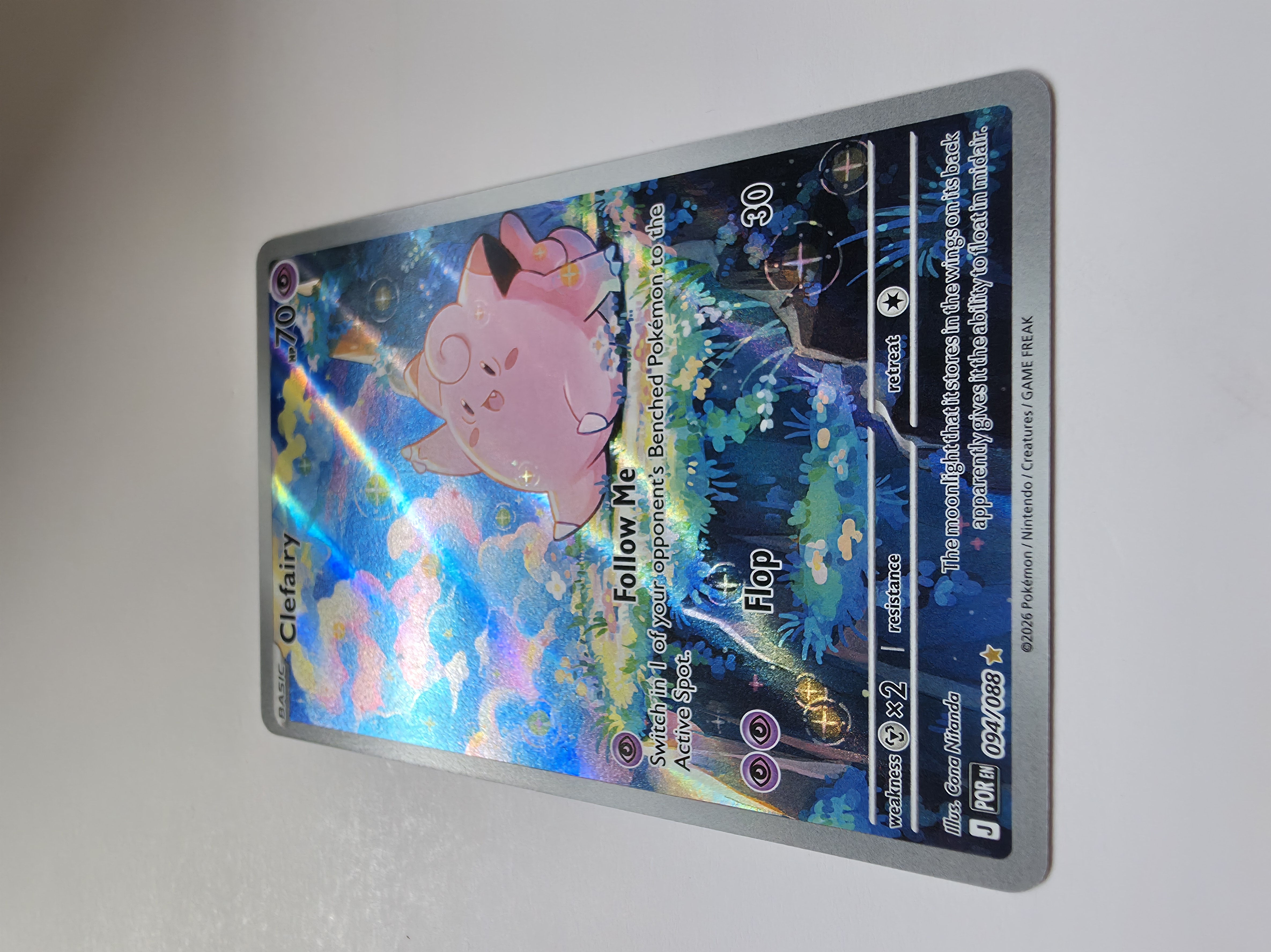
Use bright diffuse lighting from both sides. Avoid direct flash, strong shadows and hot spots on holo surfaces.
Use your phone's main rear camera at 1x rather than digital zoom. Tap the card to focus and hold the phone steady.
All four corners and the complete edge perimeter must be visible. Do not crop tightly against the card border.
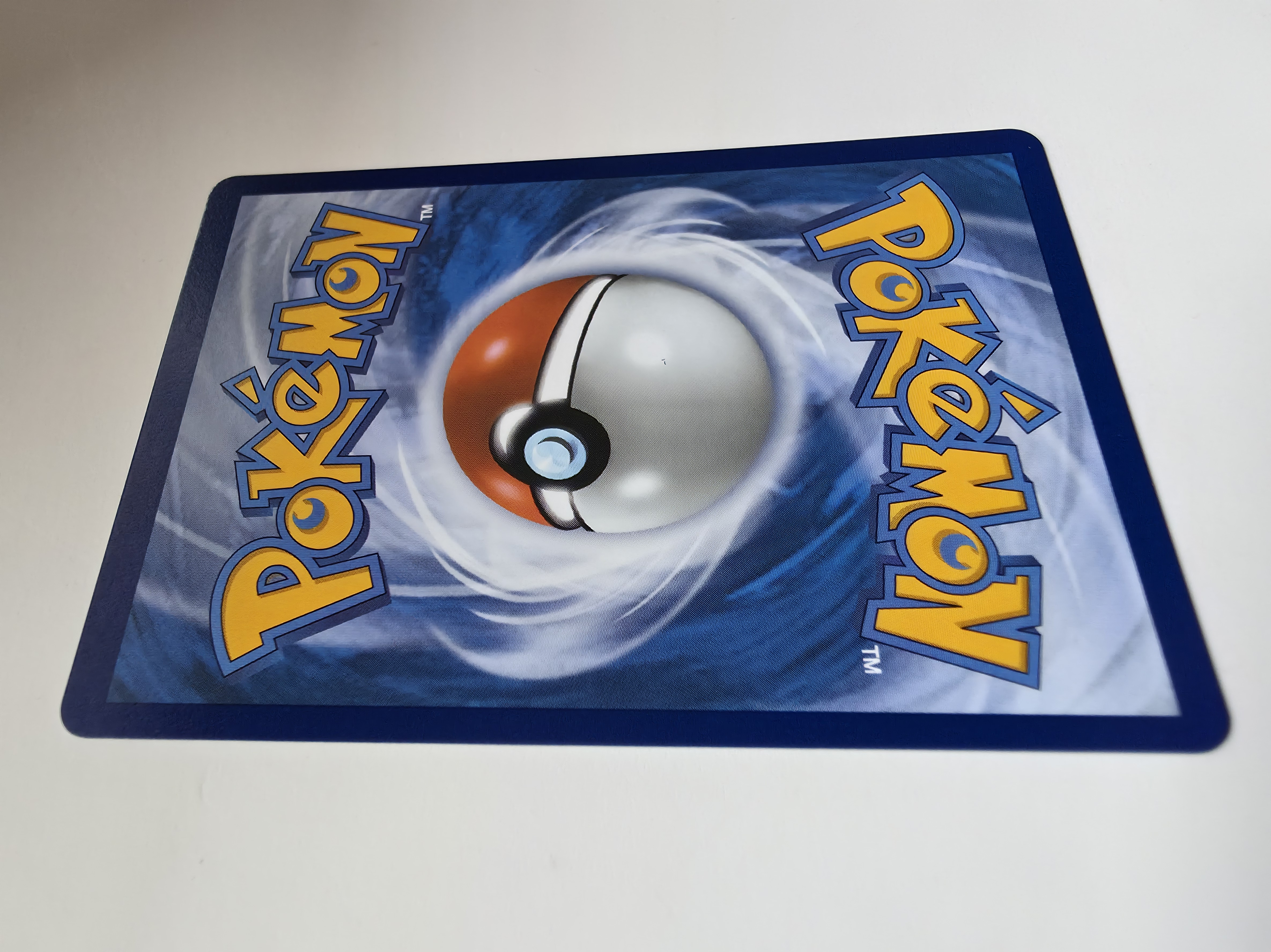
Start with clean straight-on front and back images, then add angled-light photos. The angled views help expose scratches, dents, print lines, surface marks and other defects that may not be visible head-on.
Outside daylight is the best lighting option where possible. Use bright, even natural light without harsh direct sun or glare. A modern phone camera and a plain white background are enough. Keep every image sharp and make sure the full card remains visible.